
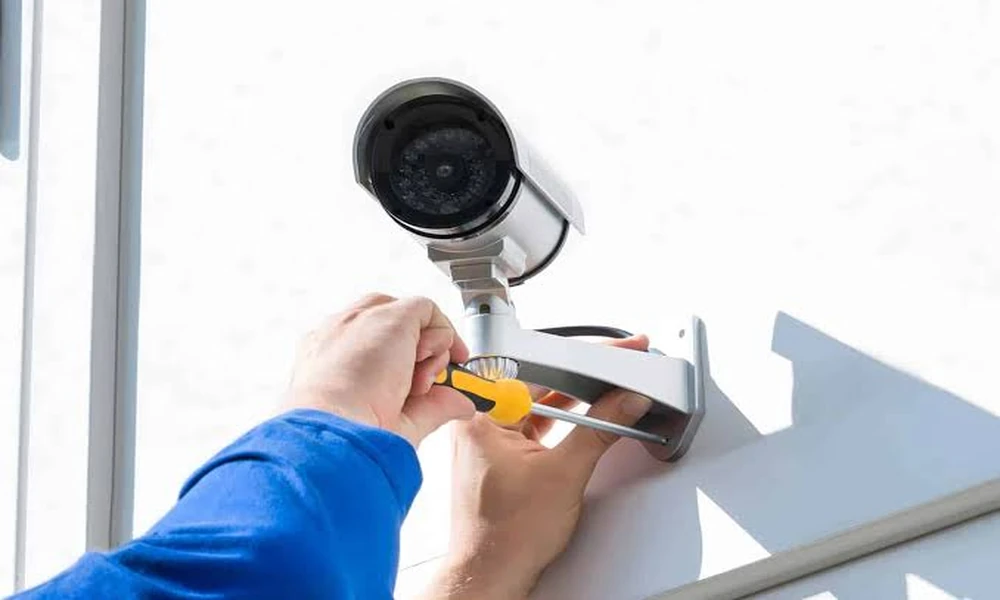
Before buying cameras, walk around your property after closing time. You might notice a side entrance hidden by parked vehicles. Perhaps the delivery gate has poor lighting at night. Those details should guide your shopping list more than an advertisement. Buying extra cameras cannot fix every problem with your property.
Start With the Places People Actually Use
Think about how customers and workers enter your building. Check the main entrance before considering less frequently used spaces. A camera facing a doorway may provide more useful footage than one covering an entire parking lot.
For a shop or office, video surveillance cameras for business should cover areas you have a legitimate reason to monitor. Keep the view away from neighboring windows and private spaces.
The FBI reported that property crime fell an estimated 12.4% nationwide in 2025. However, national figures cannot tell you what happens on your street. Review previous incidents and ask about local crime patterns. You can also ask your insurer about any documentation requirements.
Check the Picture After Dark
A camera that works at noon may struggle after sunset. Ask installers to demonstrate footage taken in lighting similar to yours. Bright signs can also wash out faces near entrances. Adding appropriate lighting might help more than upgrading every camera.
Before choosing video surveillance cameras, check how clearly they record moving people. A wide view is useful, but distant faces may lack detail.
Decide Who Can Watch the Recordings
Your cameras may capture customers and employees throughout the day. Be clear about why the recording is necessary. Check local rules on surveillance signs and workplace privacy. Audio recording can have separate legal requirements, so do not switch it on without checking.
Limit footage access to staff who actually need it. Decide how long recordings should be kept before installation. Your storage plan should follow applicable rules and your business needs. If your building has tenants, discuss shared-area coverage before installation.
Ask What Happens When the Internet Fails
Some systems record locally even when internet service stops. Others depend on cloud storage or a monthly subscription. Ask the seller which features still work during an outage. Also check whether a power failure stops recording entirely.
The Federal Trade Commission advises camera owners to update software and replace default passwords. Use two-factor authentication where the service supports it. You should know who can access recordings from outside your building.
Compare the Complete Installation Cost
The camera price is only one part of your budget. Request an estimate that separates these expenses:
- Installation labor and any required electrical work on the property.
- Storage subscriptions and charges for keeping additional days of footage.
- Wiring and lighting improvements around selected entrances and access points.
- Maintenance visits and replacement coverage after the warranty ends.
Ask whether the installer will test the system with you. Check one recording from every camera before signing off. Ask how to retrieve a clip when someone reports an incident.
Make the System Useful After Installation
Once a month, check the date and time on recordings. Clean dirty lenses and verify that saved footage can play. Security equipment deserves occasional attention after the initial installation. A practical system starts with understanding your property, not buying the most cameras.